
Simple and Quick OFT to MSG Conversion
The application is designed with a user-friendly interface that simplifies the whole migration process. Users can perform the conversion process in only a few steps without any technical guidance.
Microsoft Outlook uses OFT (Outlook File Template) files to create reusable email templates. Many users convert OFT data to MSG format for smooth data handling, secure backup, and direct access in Outlook. MSG files store complete email details and maintain original formatting without modification. This software helps users to handle secure, accurate, and hassle-free conversion of OFT files into MSG file format.
The application is designed with a user-friendly interface that simplifies the whole migration process. Users can perform the conversion process in only a few steps without any technical guidance.
This tool delivers an option for its users to migrate single as well as multiple OFT files into MSG format simultaneously. This feature reduces the effort, saves valuable time, and improves productivity for business and individual users.
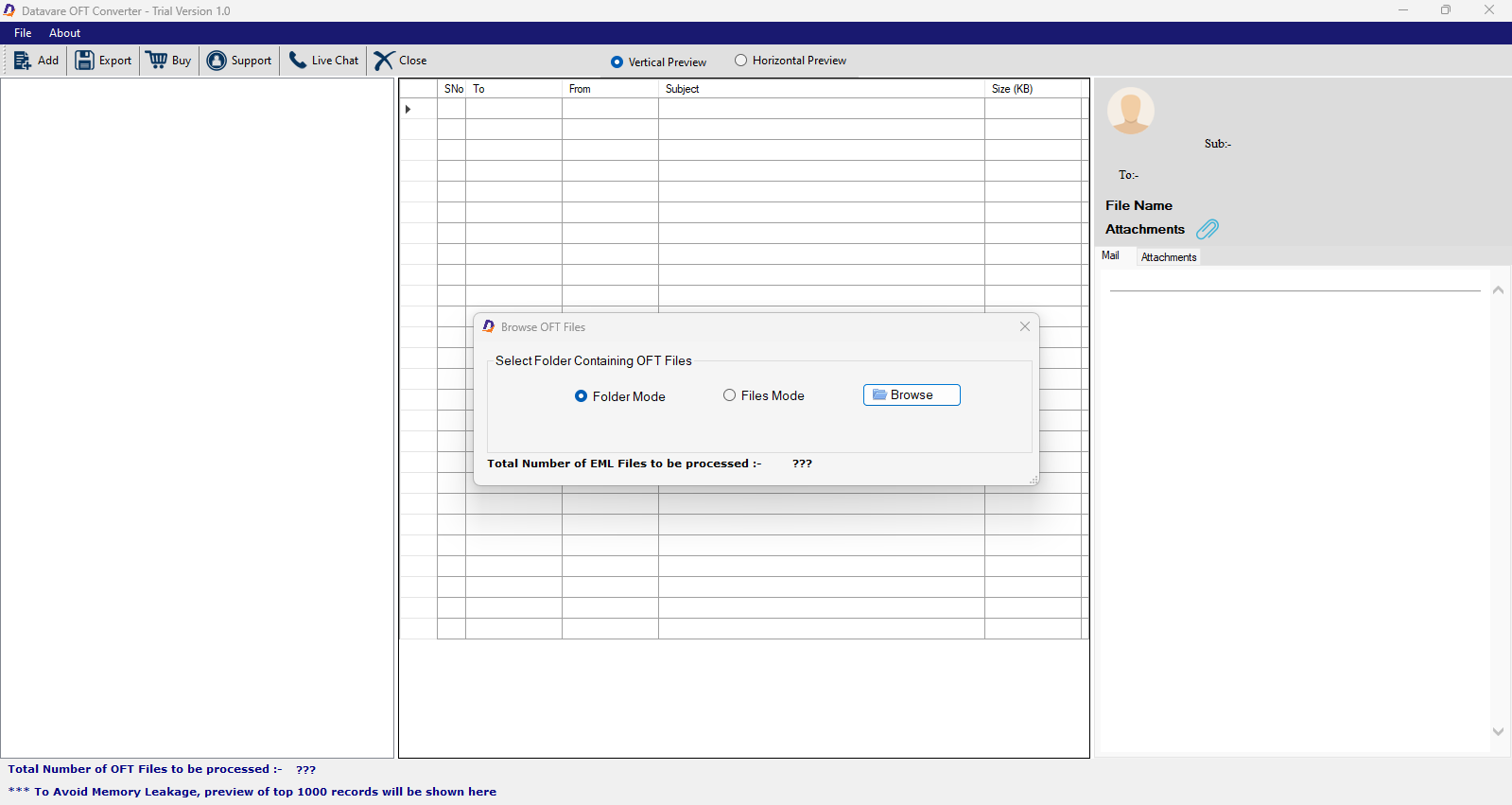
This feature offers a complete preview of the uploaded OFT file before conversion. Users can review email details, attachments, subjects, and other properties to ensure accurate selection of files for migration.
The tool provides two modes of conversion: “File” and “Folder” selection mode to upload OFT files easily. Users can apply data-range filters using the From and To options to export only specific email templates according to their needs.
The tool preserves the original email structure, metadata, attachments, hyperlinks, and formatting throughout the conversion process. Every MSG file keeps its integrity and appears exactly like the source OFT file.
The user can run the application without any external application support. The tool works independently and allows seamless conversion of archived, damaged, or orphaned OFT files.
OFT to MSG Converter provides a completely safe and secure environment for migration. The lightweight application runs smoothly without affecting performance, allowing users to continue other work during conversion.
This application supports all major Windows operating systems, including Windows 11, 10, 8.1, 8, 7, and earlier editions. It works efficiently on both 32-bit and 64-bit Windows machines.
Real feedback from satisfied customers worldwide
I was struggling to convert my OFT data in MSG format but was unable to work. Then I found a blog about MSG conversion where I came to know about this software. I genuinely had lower expectations for this tool, but surprisingly, its features are really impressive.
I wanted to transfer my data into MSG format in bulk. Then I started researching about the reliable tool, and then I found this software, and honestly, I was not confident about using it. But it works excellently.
I was not comfortable using tools because they are too technical to use, but my friend suggests this application to me for migration. But I did not even need any technical guidance while using it. Its interface is just so easy to understand; it's the best application for non-technical users.