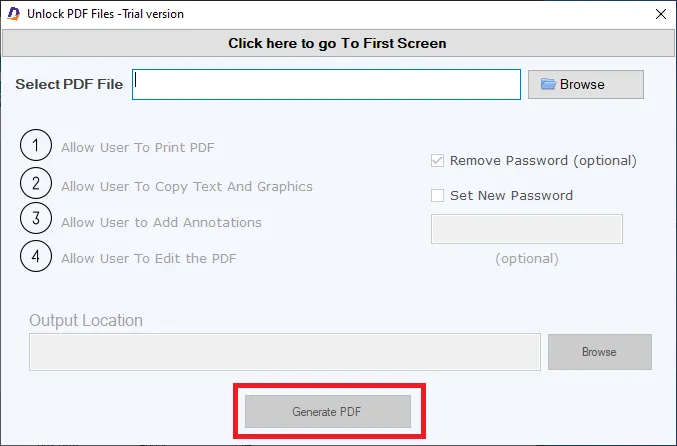
Other Tools

- Download and install the application on your Windows PC.
- Launch the utility with double click on the software icon located on the desktop and you will get a window like this.
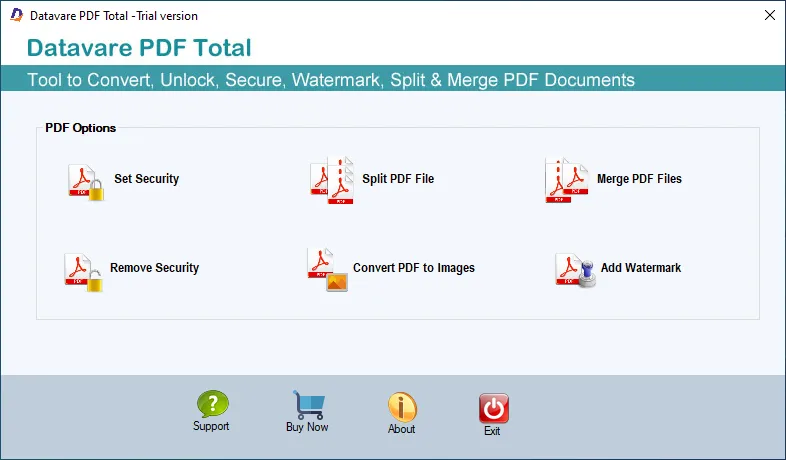

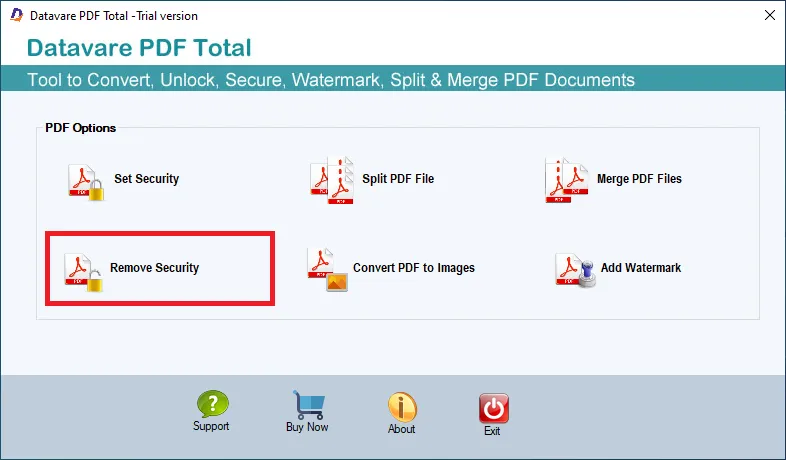
Select The Tool
- Click on the remove Security tool
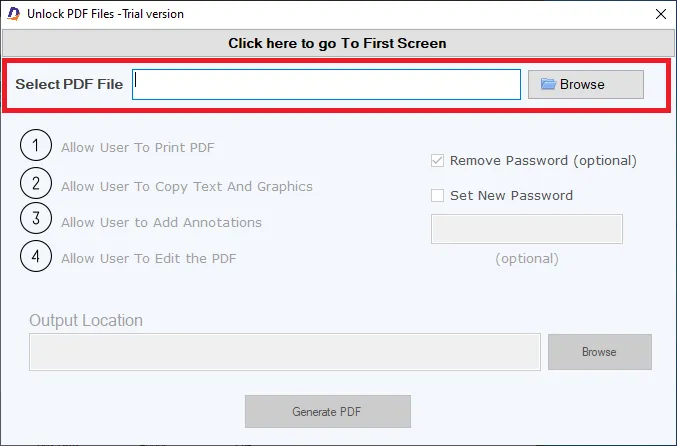
Browse PDF
- Select the PDF that you want to import by clicking on the browse button
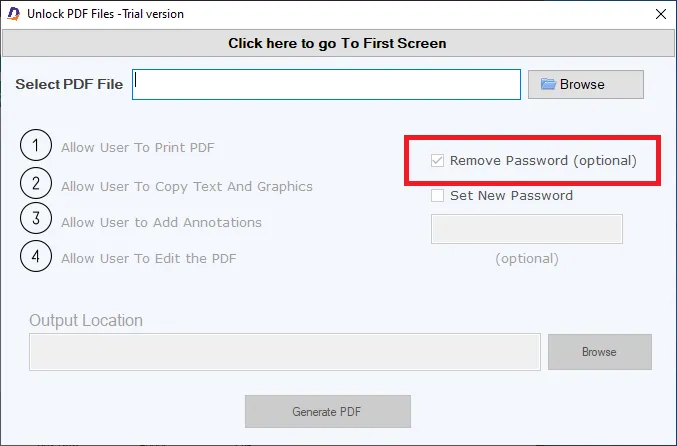
Security
- Select the Remove Password option
Output File Location
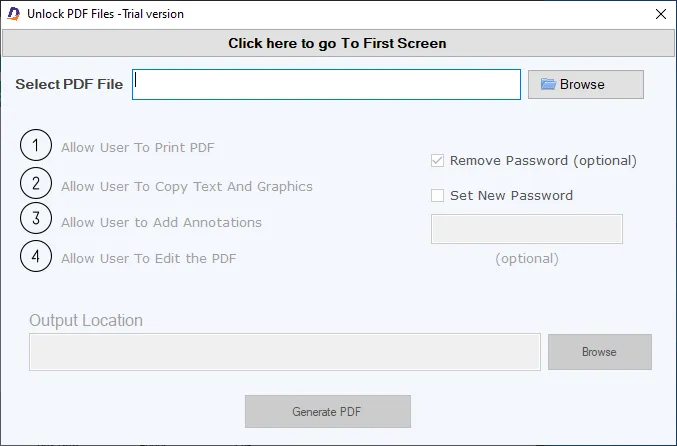
- After that, select a loaction for the output loaction –
Final Steps
- After completing all the steps above, click on the Convert Now button