Other Tools

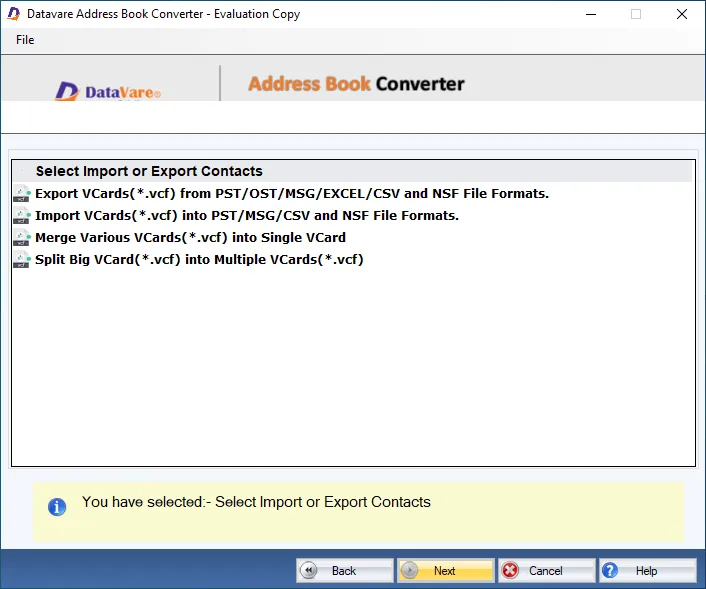
- Download and install the application on your Windows PC.
- Launch the utility with double click on the software icon located on the desktop and you will get a window like this.

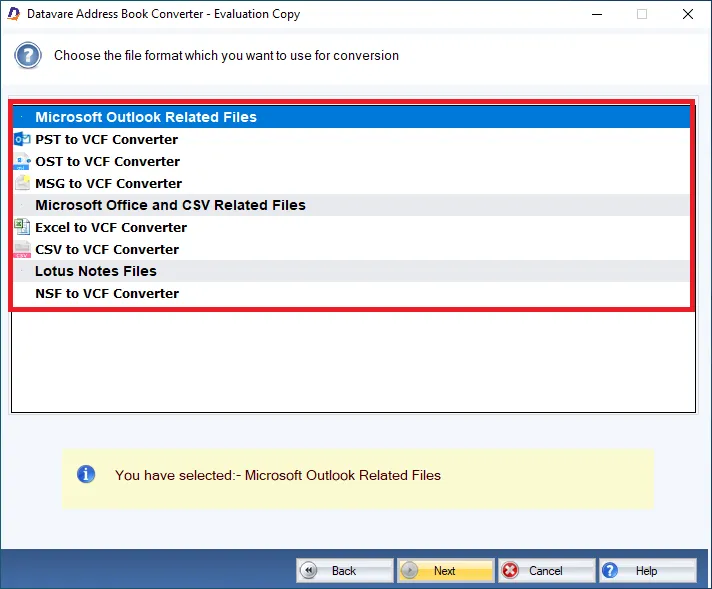
Choose the file format
- Choose the file format which you want to use for conversion
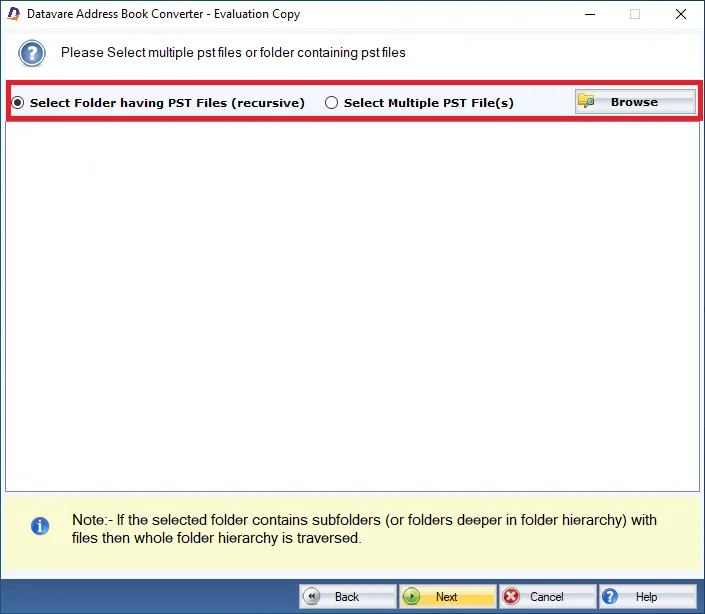
Browse
- You can import multiple Vcard file, ot you can import a folder having multiple Vcard files
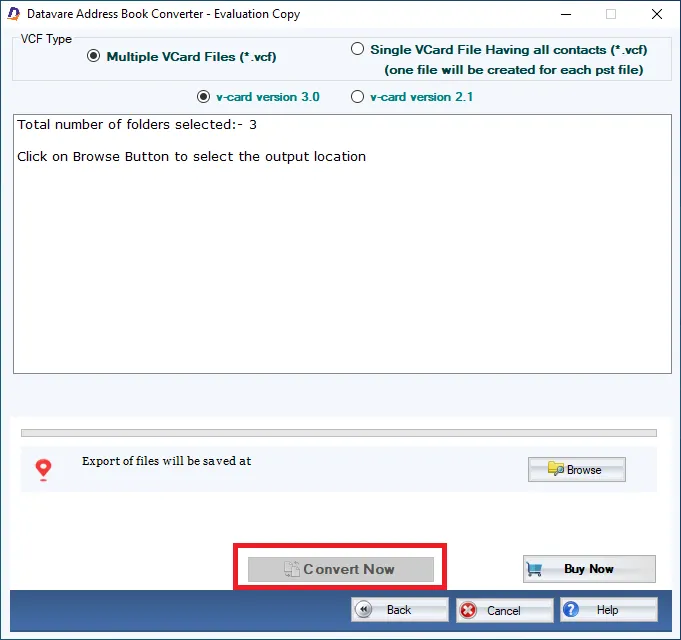
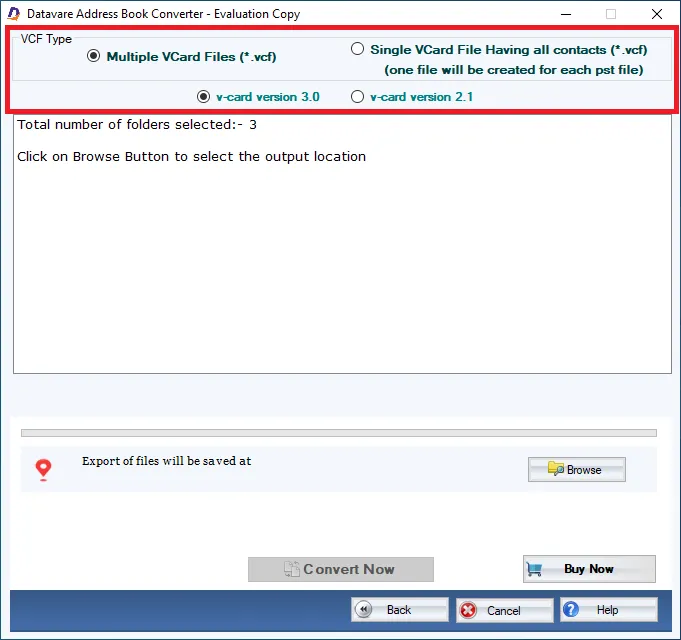
Export Type
- You can export multiple Vcard Files, or a singke Vcard file having all contacts
- You can also select the version of the Vcard file like Version 3.0 and Version 2.1
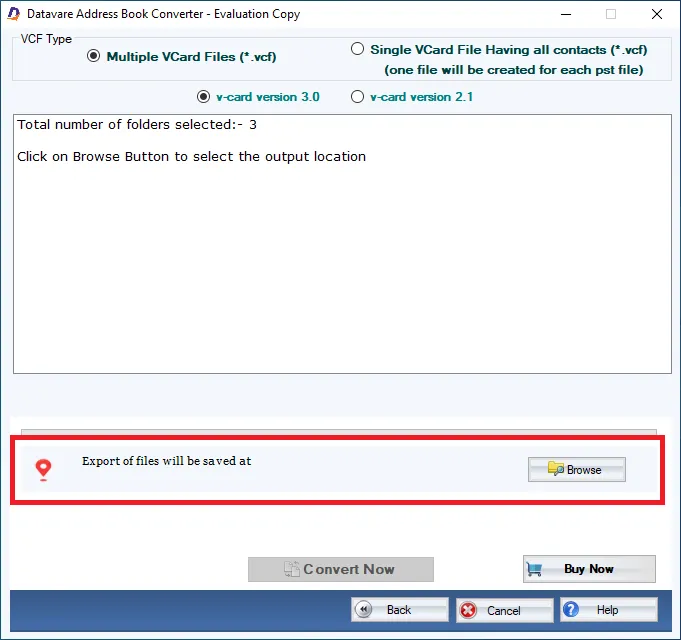
Output File Location
- After selecting a suitable option, select a loaction for the output loaction –
Final Steps
- After completing all the steps above, click on the Convert Now button