- Download and install the application on your Windows PC.
- Launch the utility with double click on the software icon located on the desktop and you will get a window like this.
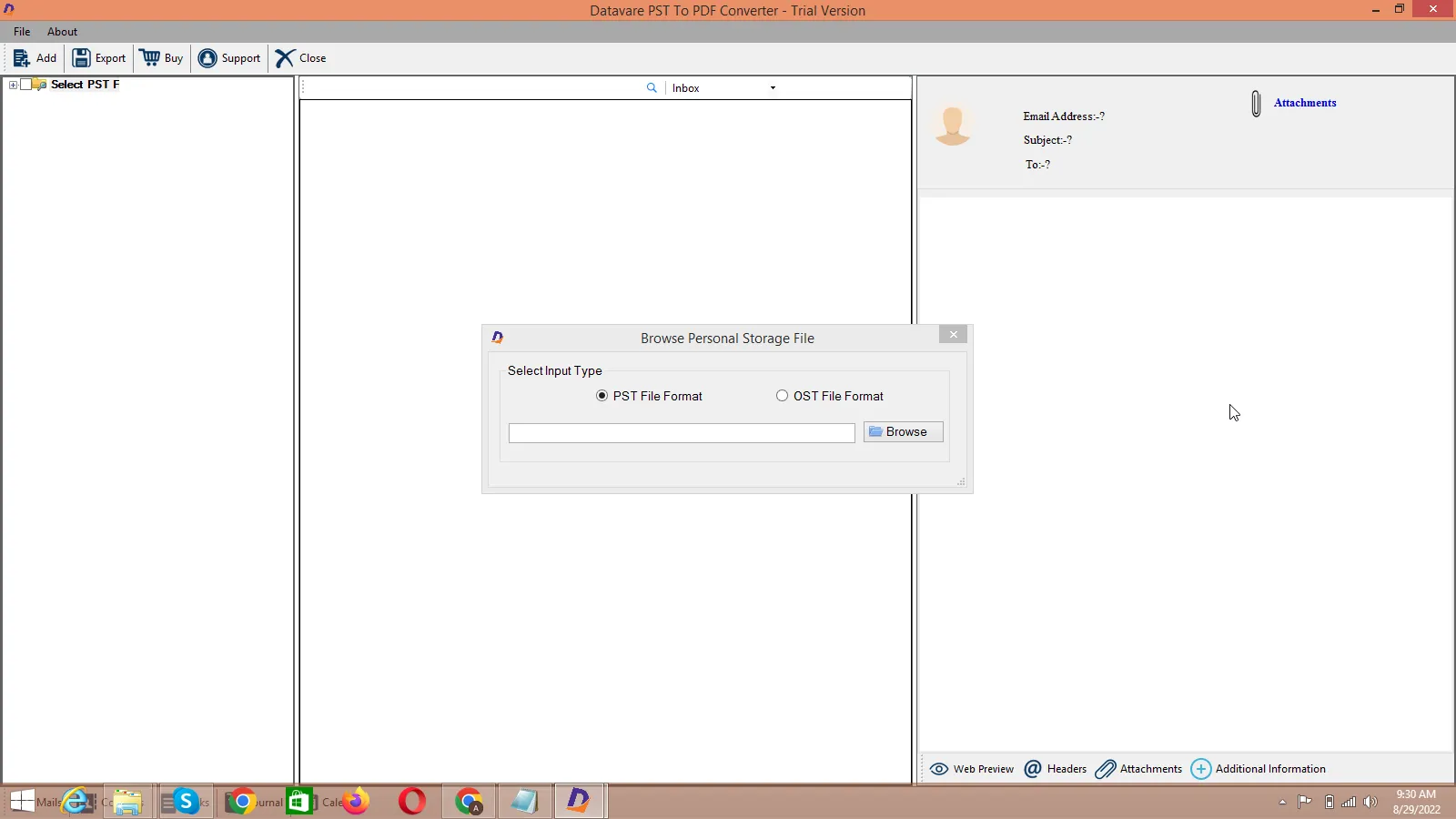

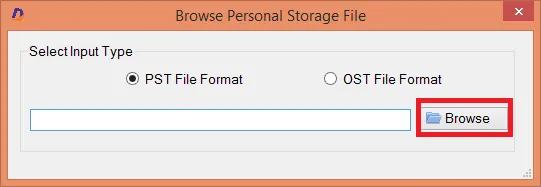
Options to add PST file
- Select an Outlook PST file or you can also select an OST file, click on the Browse button to locate the from your local storage.
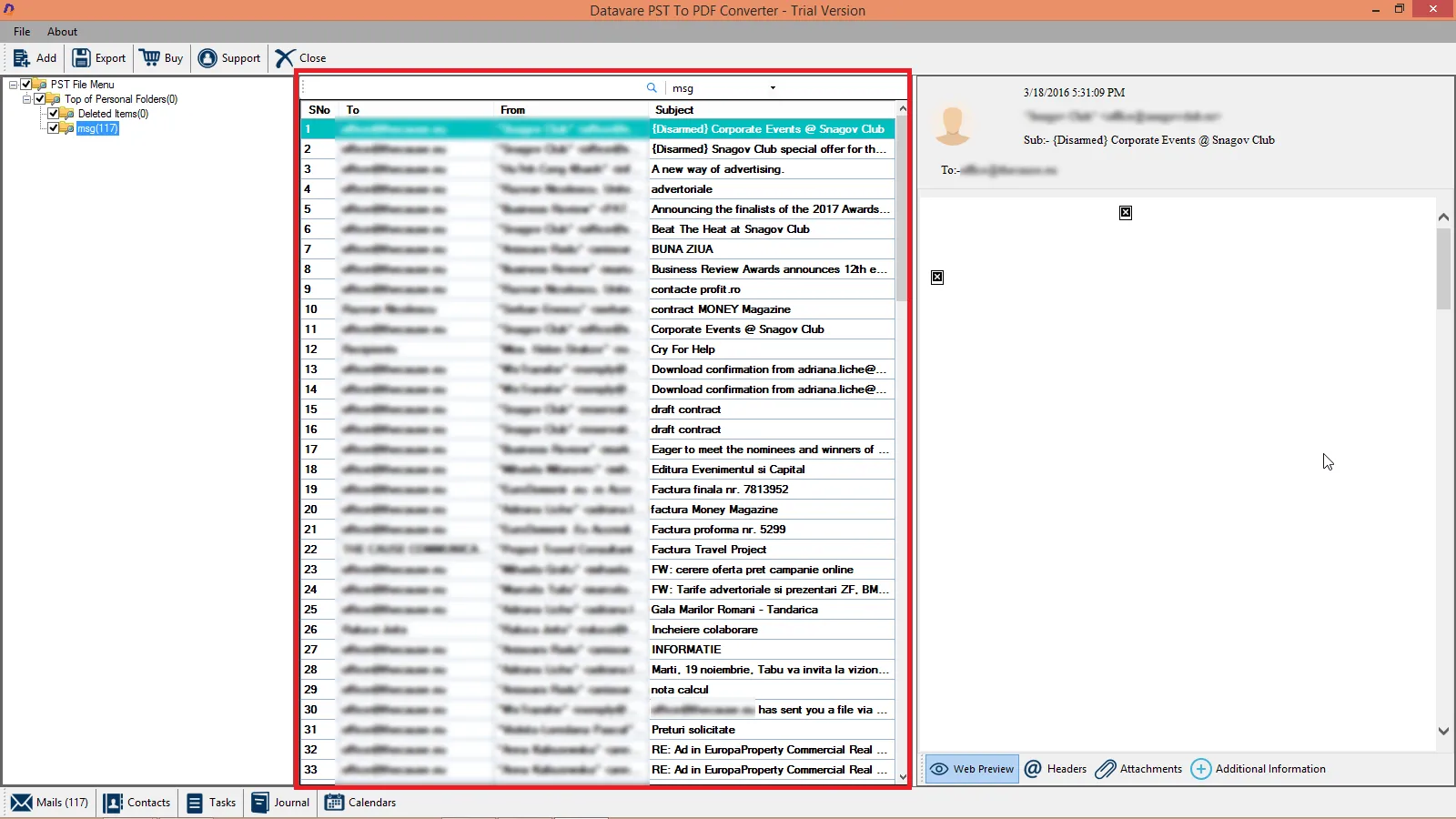
File Preview
- After importing, you will get a preview of data inside the file like below. –
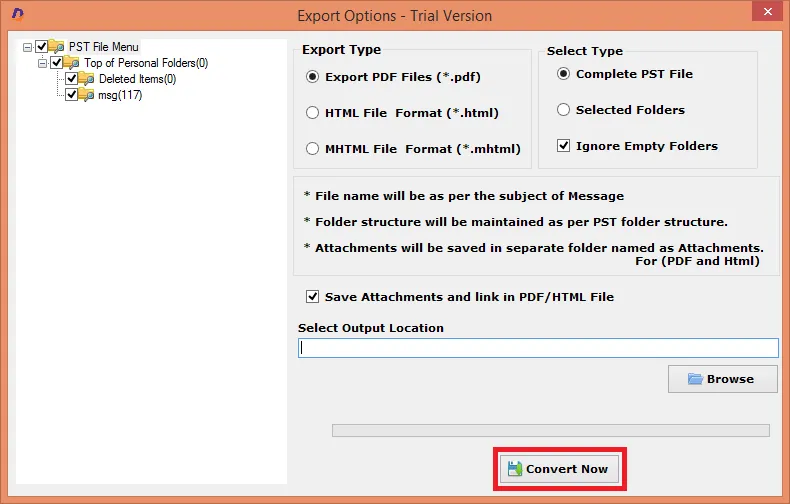
Export Options and Output File Location
- the file can be exported into PDF, HTML, and MHTML –
- You can also export complete PST file or Selected Folders
*to ignore empty folders, fill the checkbox*
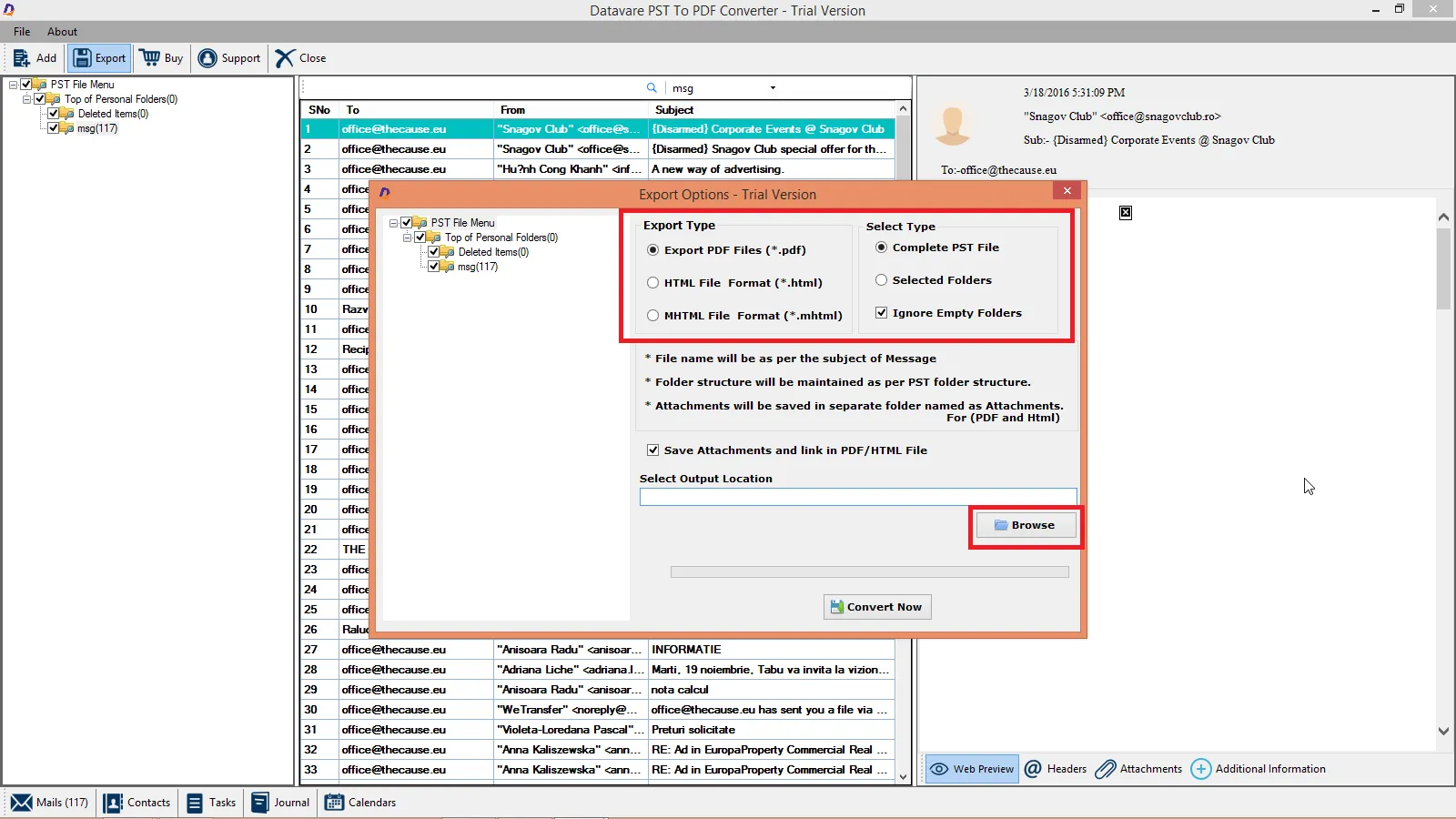
- After that, select a loaction for the output loaction. –
Final Steps
- After completing all the steps above, click on the Convert Now button –