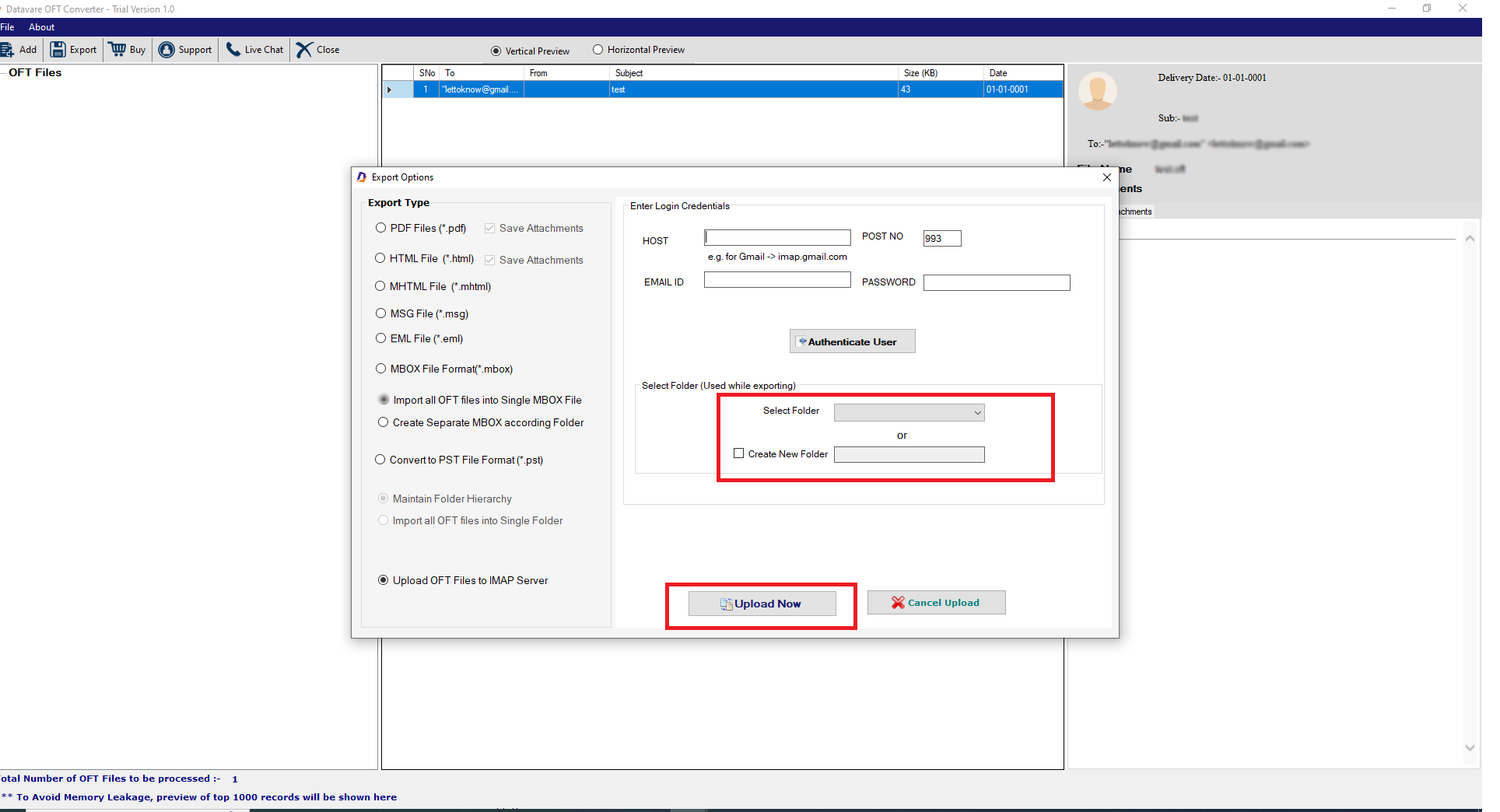
Choose Your OFT Files
- From the “Browse OFT Files” window, select either “Folder Mode” or “File Mode”, and then the “Browse” button to select OFT files from local folders.
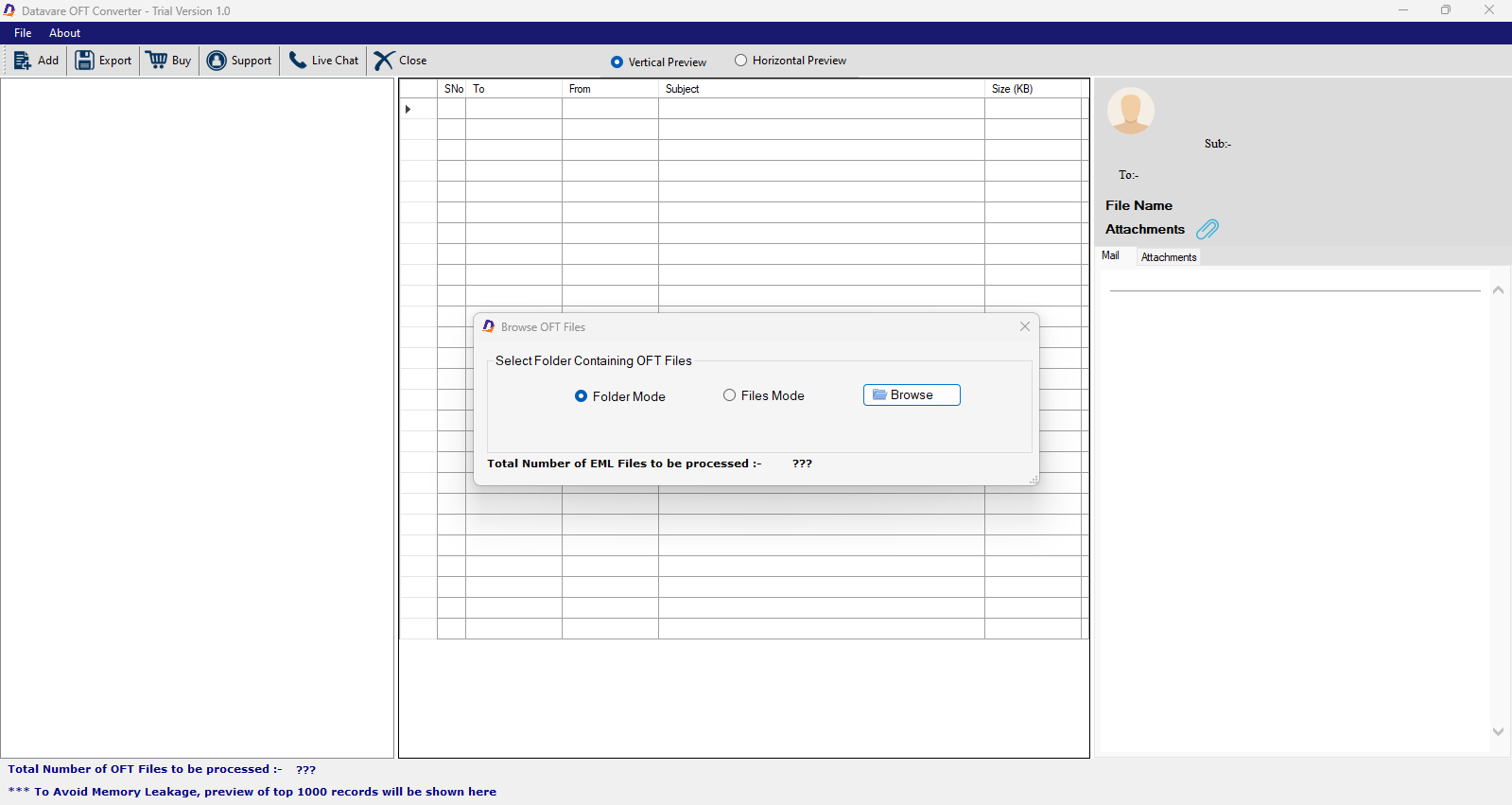

Preview the Uploaded OFT Files
- The preview pane displays the uploaded OFT files in three rows/column- display OFT files name, items of each file, and the details of each item.
- Select “Vertical View” or “Horizontal View”

Export to IMAP
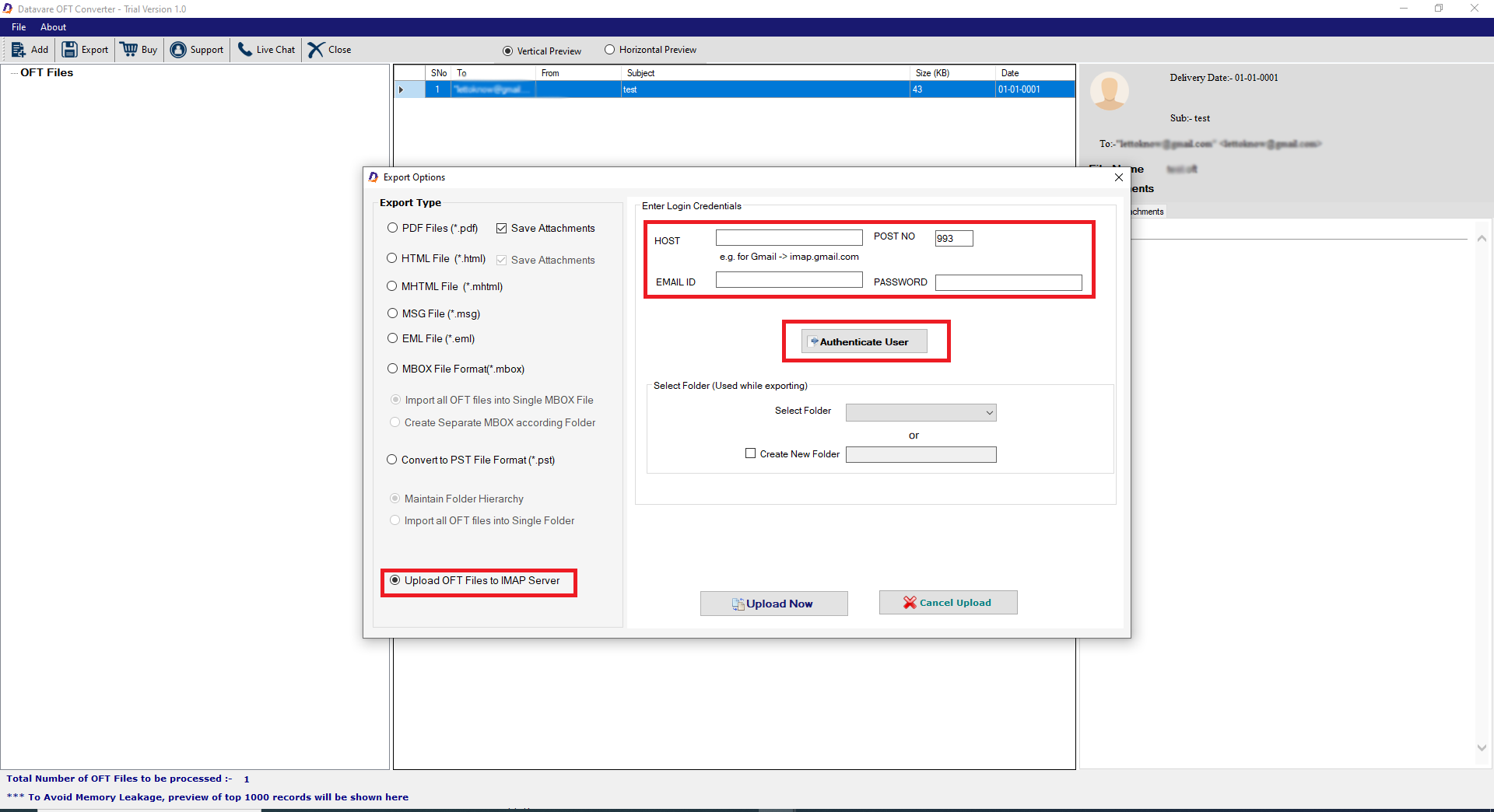
- Now, click the “Export” tab to open the “Export Options” window.
- Now, choose “Upload OFT files to IMAP Server”
- Now, provide the credentials of the target IMAP account.
- Press “Authenticate Me” tab
Final Steps
- Select an old folder of your IMAP account to save output or
- Create a new folder by clicking “New” and then enter a unique name for the folder
- In the end, click “Convert Now” to start processing.