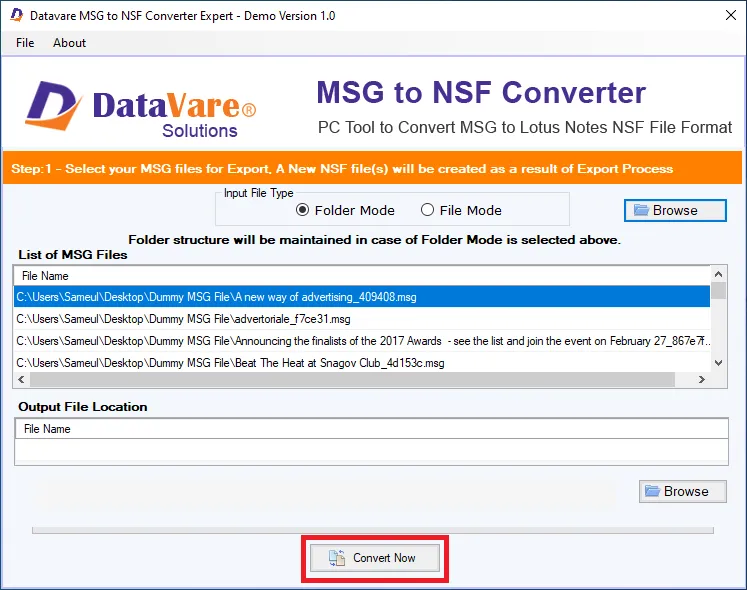
- Download and install the application on your Windows PC.
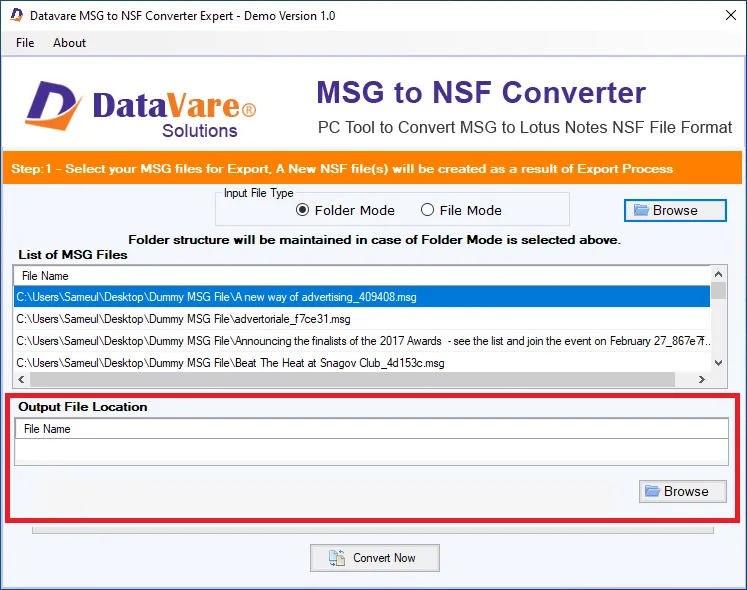
- Launch the utility with double click on the software icon located on the desktop and you will get a window like this.
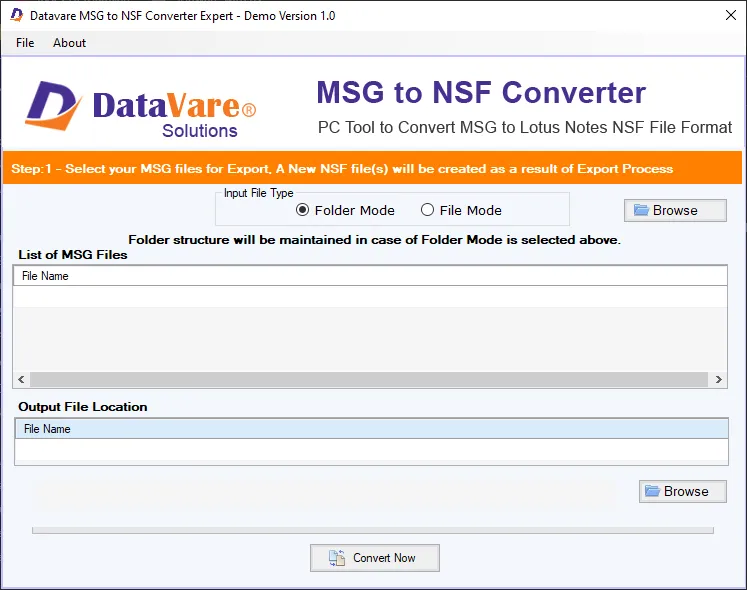

Options to add MSG file
It consists of a small window with two buttons- File Mode – It is helpful when users have a single MSG file to import.
- Folder Mode – It is helpful when users need to import multiple MSG files.
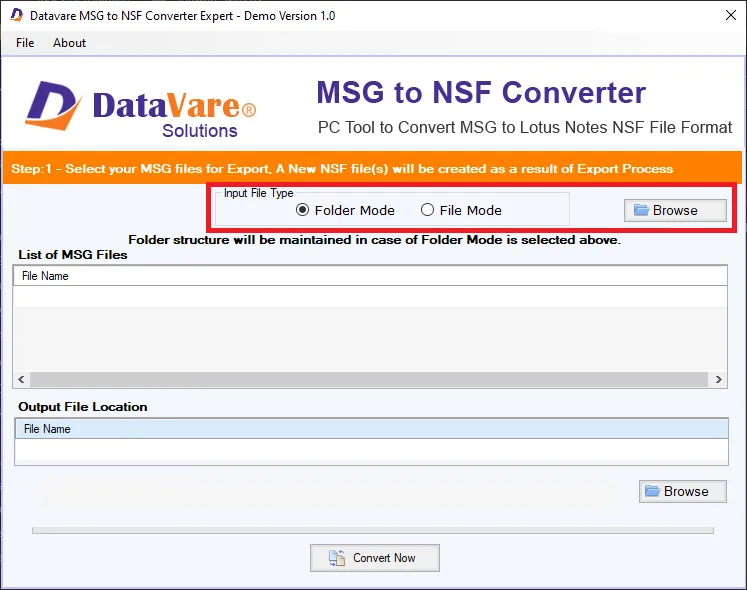
Preview Window
- After importing MSG files, a list of MSG files will appear. –
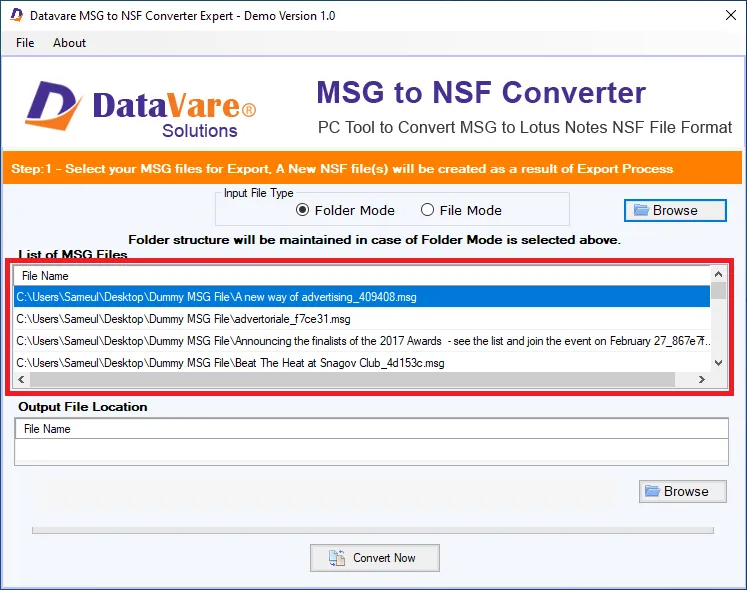
Output File Location
- After checking the files, select a loaction for the output loaction –
Final Steps
- After completing all the steps above, click on the Convert Now button