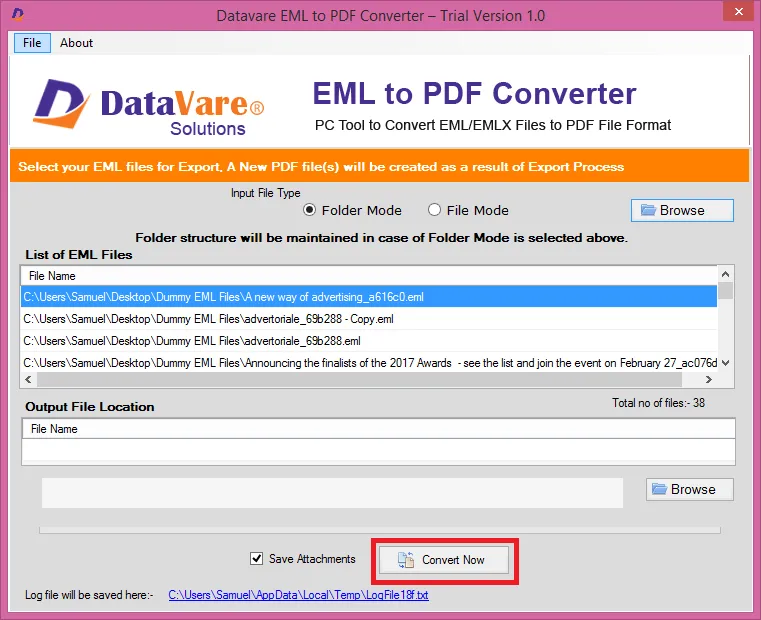
- Download and install the application on your Windows PC.
- Launch the utility with double click on the software icon located on the desktop and you will get a window like this.
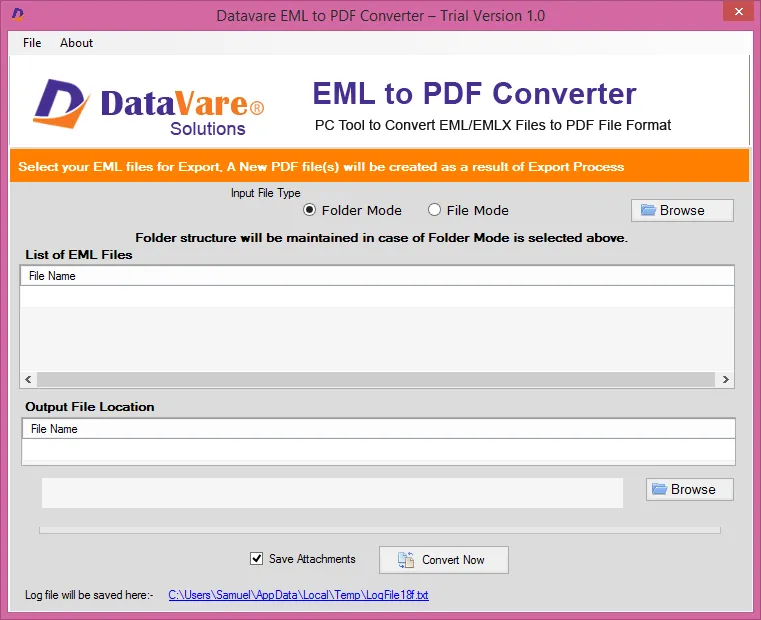

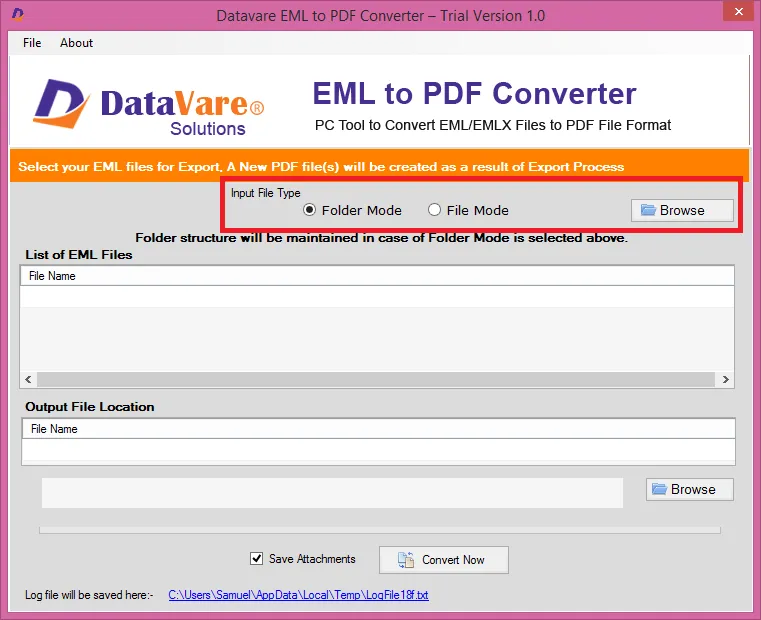
Options to add eml file
It consists of a small window with two buttons- Folder Mode – It is helpful when users need to import multiple eml files.
- File Mode – It is helpful when users have a single eml file to import.
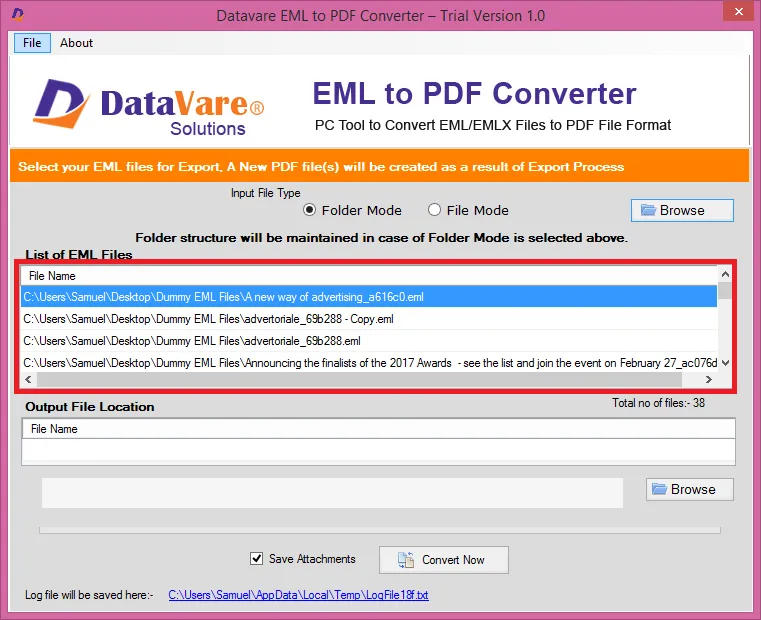
Preview Window
- After importing eml files, a list of eml files will appear. –
Output File Location
- After checking the files, select a loaction for the output loaction –
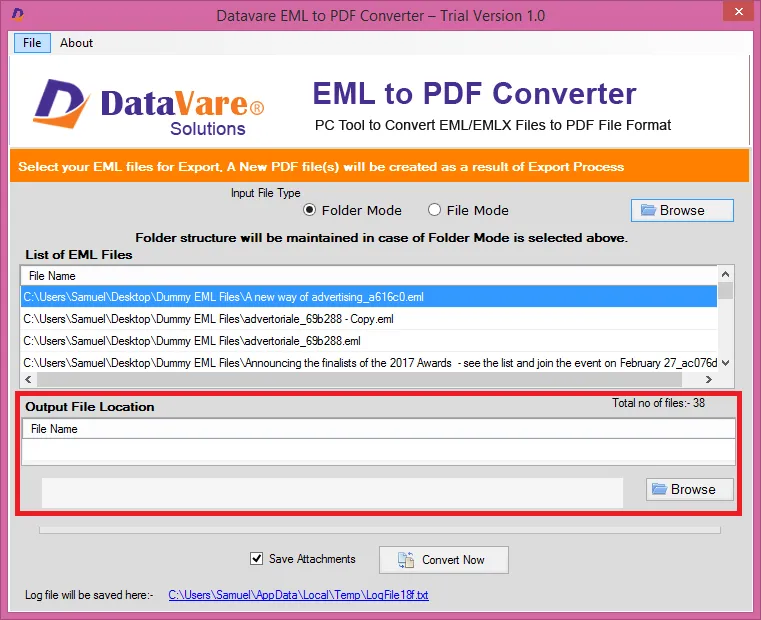
*You can save attachments in separate folder by filling the checkbox*
Final Steps
- After completing all the steps above, click on the Convert Now button