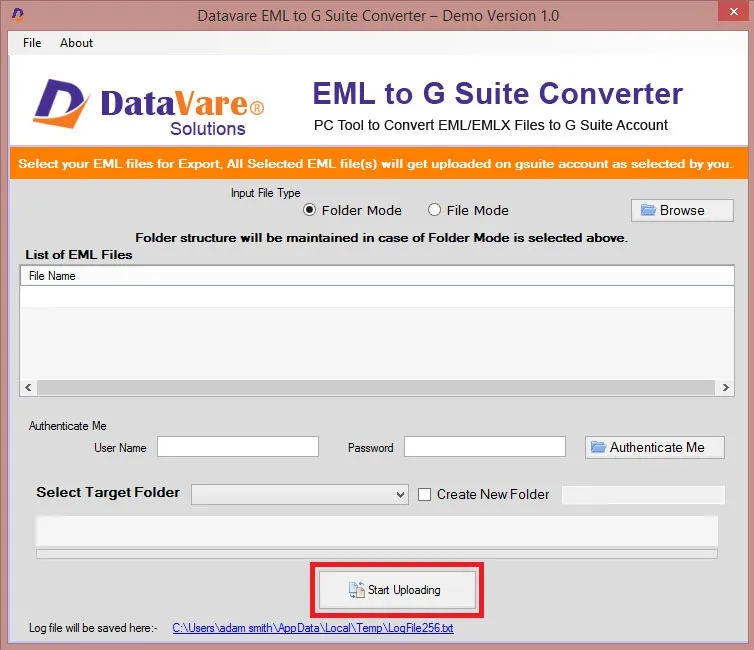
- Download and install the application on your Windows PC.
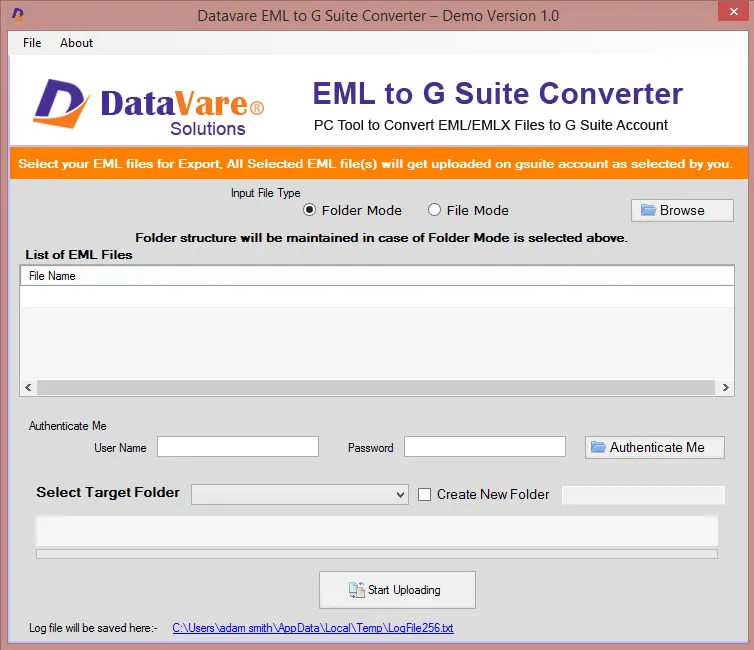
- Launch the utility with double click on the software icon located on the desktop and you will get a window like this.

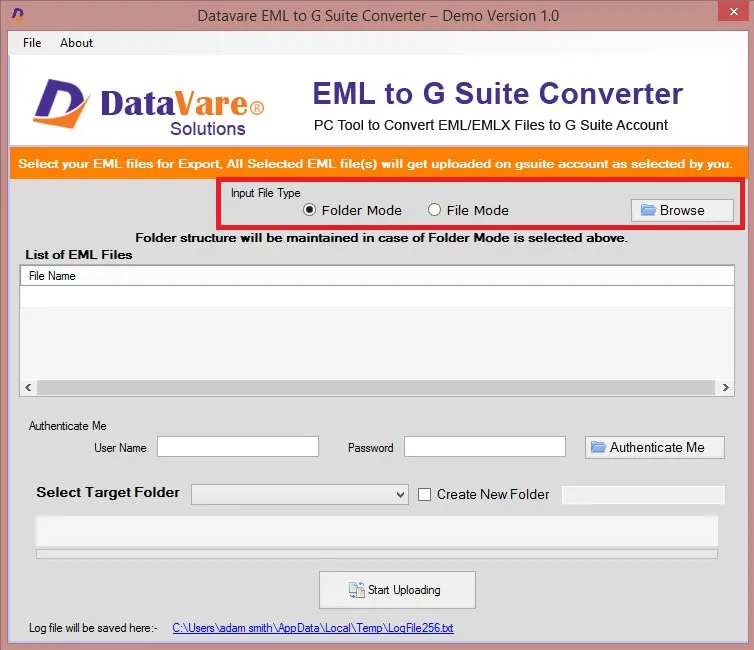
Options to Add File
- You can import EML file through Folder Mode or File Mode, click on the Browse button to locate the from your local storage.
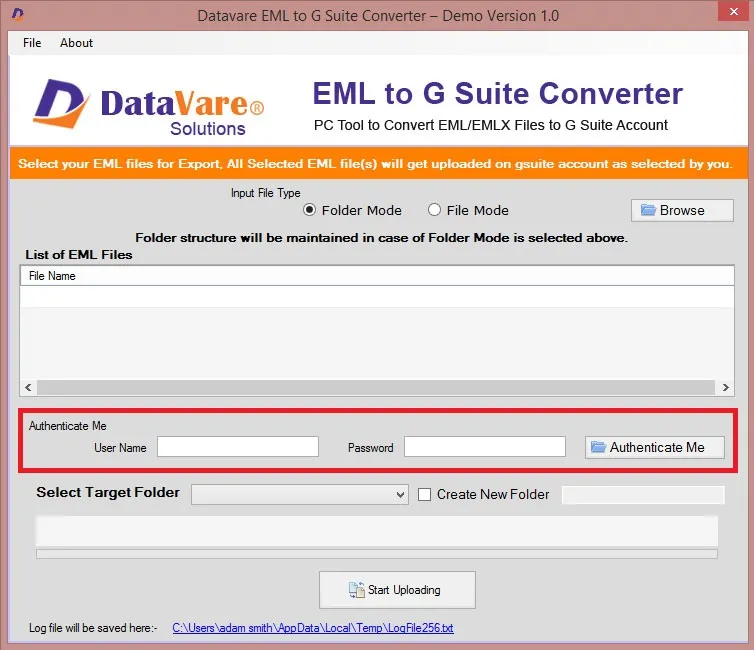
Authenticate
- Enter you username and password, and click on Authenticate Me –
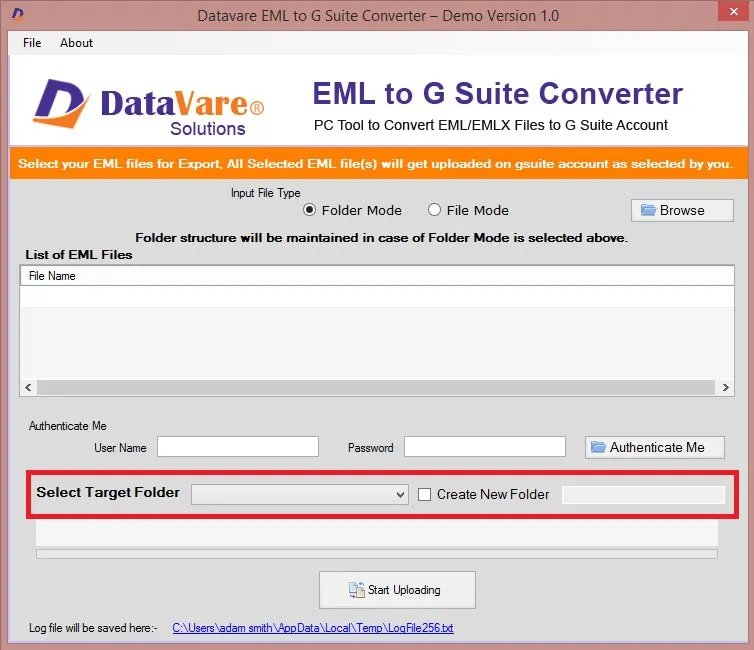
Select Target Folder
- You can select a target folder on your Account
- Or you can create a new folder in your account
Final Steps
- After completing all the steps above, click on the Start Uploading button –